

As a safety leader, you often manage a wide range of vehicles, driving environments, and compliance requirements. What works for one part of your fleet might not work for another. That’s why having the flexibility to fine-tune your dash cam settings matters. It helps you provide personalized support to your drivers, reduce distractions, and achieve your safety goals.
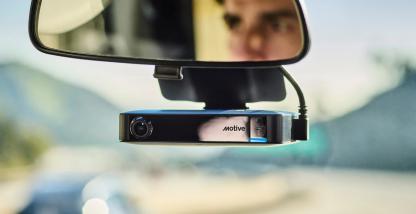
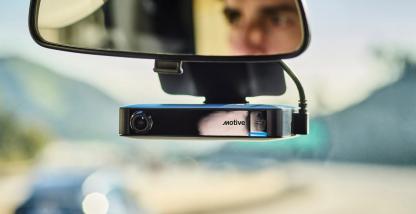
Now you have even more flexibility with your dash cam settings. New customization options for the Motive AI Dashcam let you easily adjust in-cab alerts, LED brightness, recording preferences, and language options to match the needs of every vehicle and every driver.
Fine-tune in-cab alerts to match driver preferences
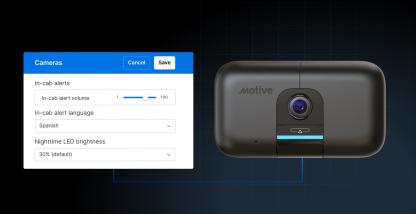
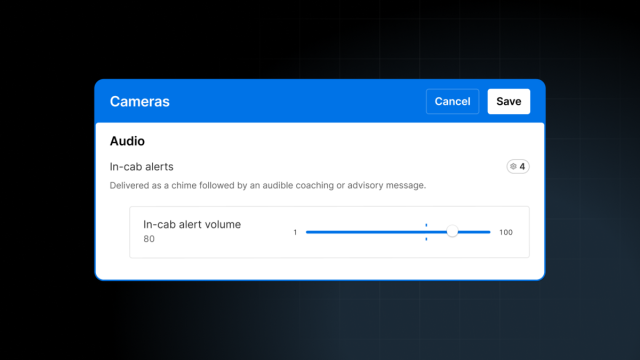
In-cab alerts are most effective when they’re delivered the right way for your drivers and the environment they’re in. Now you can set alert volume so alerts are easy to hear without being too loud or soft, making alerts easier for drivers to act on.
Support multilingual drivers with flexible alert language
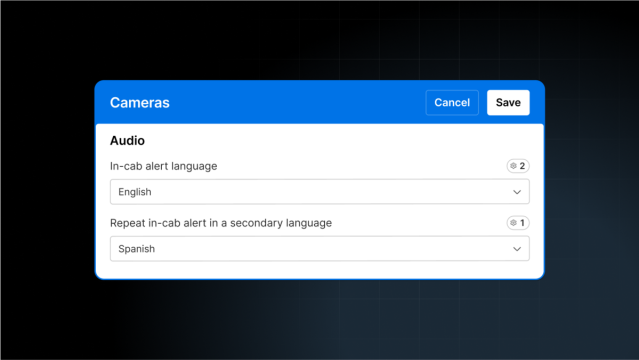
Drivers are more likely to respond to alerts when they hear them in their preferred language.
You can set a default alert language for your entire fleet and override it for specific vehicles when needed. You can also choose a secondary language to reinforce the message for multilingual teams.
Adjust LED brightness for day and night comfort
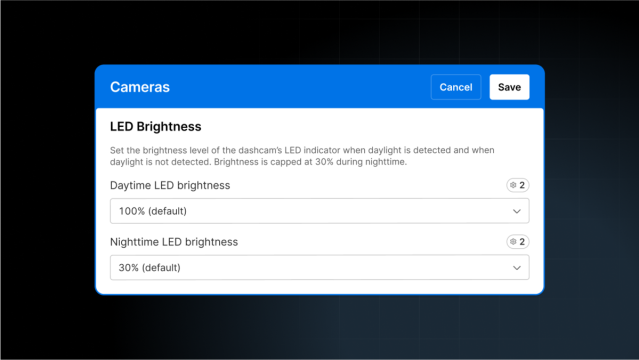
Drivers have different needs when it comes to in-cab lighting. Some want dimmer LEDs at night to avoid glare. Others want brighter settings during the day.
Now you can set separate brightness levels for daytime and nighttime driving. Whether you need dimmer lighting for sleeper cabs or brighter settings for daytime shifts, you can configure what works best by vehicle, group, or across the fleet. The AI Dashcam detects ambient light to automatically switch between day and night modes, and now you decide how bright each mode should be.
Set recording preferences that match your needs
Not every operation needs the same amount of coverage after the engine shuts off.
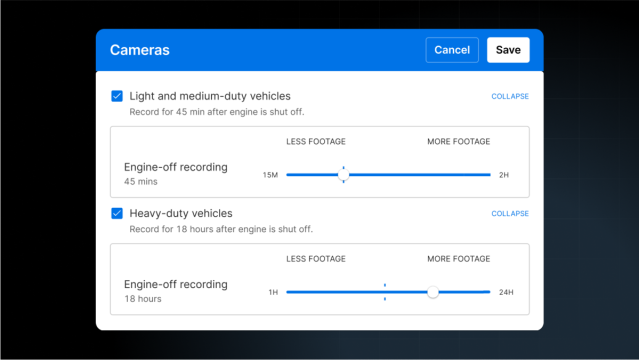
With Engine-Off Recording, you can choose how long the dash cam keeps recording after shutoff, up to 24 hours for heavy-duty vehicles or up to 2 hours for light-duty vehicles. This gives you added protection during stops, deliveries, or overnight downtime.
You can set longer durations for vehicles carrying high-value cargo or operating in higher-risk areas, and shorter durations for low-risk operations to conserve battery.
Control how often trip images are captured
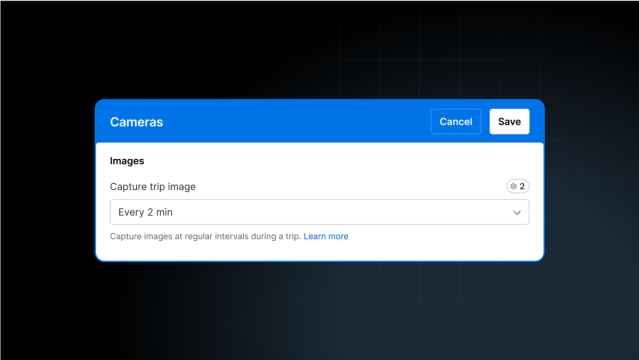
Trip images give you a quick way to review vehicle history without watching full video clips.
Now you can decide how often those images are taken, choosing from every 2, 5, 10, 30, or 60 minutes. Adjust the frequency based on how much visual context your team wants.
A safer, more personalized experience for every driver
These new AI Dashcam customization options give you more control over how safety works in the vehicle. Paired with other Motive tools, such as customizable safety event capture, in-cab alerts, and Safety Scores, you can build a safety program that complements how your fleet actually runs. And with a record of every customization made, you have the visibility you need to conduct internal audits and address driver questions.
Take a tour of the Motive AI Dashcam today and see how easy it is to customize safety for your fleet.